IPTV Troubleshooting Guide
A practical checklist for the most common IPTV playback problems — buffering, blank channel lists, and app crashes.
Buffering or freezing playback
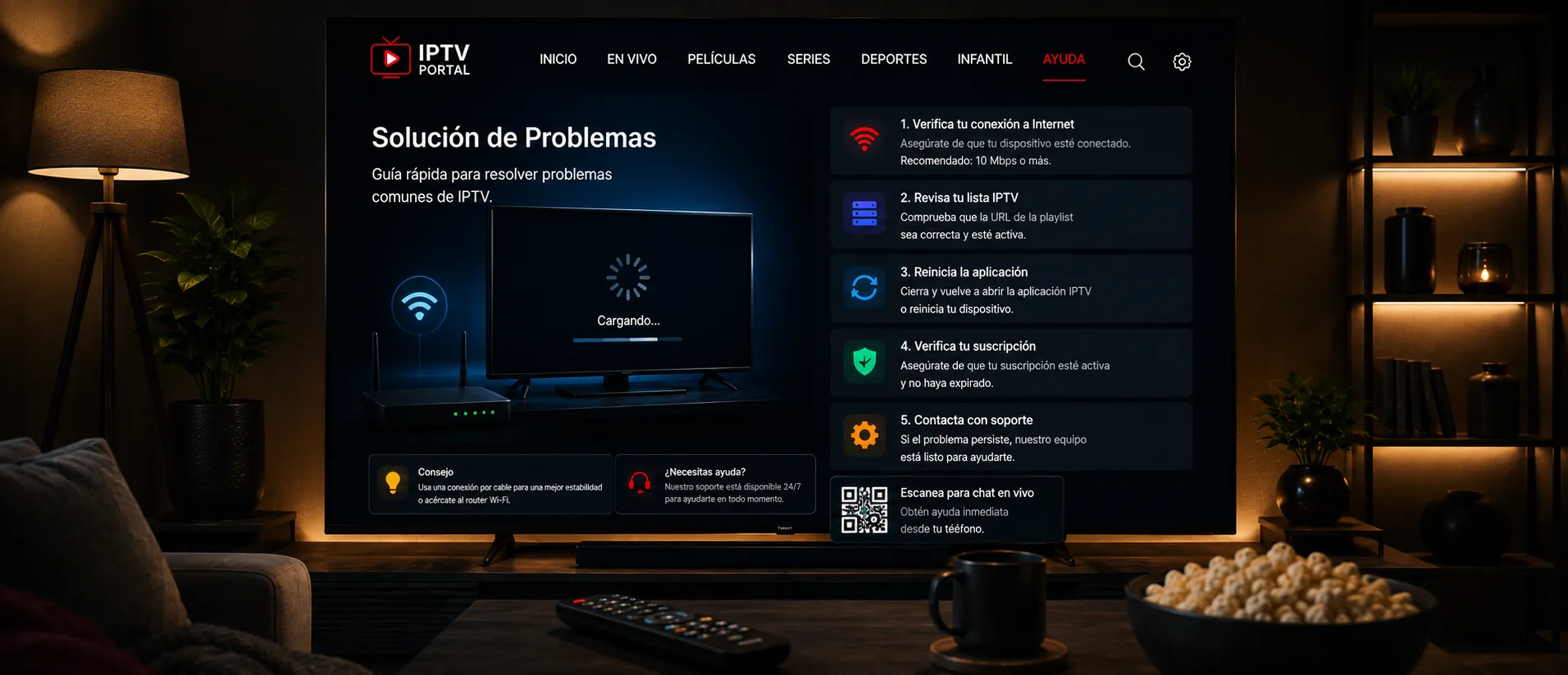
This is almost always a connection issue rather than an app issue. Run a speed test on the device you're streaming on — a wired ethernet connection or a strong Wi-Fi signal close to your router will outperform a weak connection every time, especially for HD or 4K streams. If other devices on your network are using heavy bandwidth simultaneously (large downloads, other streams), that can also cause buffering.
If your connection tests fine and buffering persists on specific channels only, the issue is more likely on the provider's server side for that particular stream — contact support with the exact channel name and time it occurred.
Blank or empty channel list
Double-check your login credentials or playlist URL for typos — this is the single most common cause. Copy-pasting rather than manually typing avoids most of these errors. If credentials are confirmed correct, try removing and re-adding the playlist in your app, since some apps cache a failed initial load.
App crashing or freezing on launch
Clear the app's cache (Settings → Apps on most platforms) before reinstalling — a corrupted cache is a common cause on Android and Fire TV devices. If the app supports it, check for an update, since older versions sometimes lose compatibility as providers update their systems.
When to contact support
If you've confirmed your internet connection is stable, your credentials are correct, and the app is up to date but the problem continues, reach out to our support team with your device type and a description of what you're seeing — that context lets us diagnose the issue faster than a generic report.
Before you do, it's worth taking a minute to check whether the issue is on your side or the service side — it narrows down what to tell support and sometimes resolves things on its own.
For general reference, our common IPTV troubleshooting questions cover a few related issues not listed above.
Channels Missing or in the Wrong Order
If the list loads but some channels are absent or appear in a different order, first check the category list and any search or favourites filter in the app. A channel may still be there but outside the view you are looking at.
Some apps keep a copy of the list until you reload the playlist or restart the app. Refresh the list and compare again. If the lineup changed suddenly and affects several channels, ask your provider whether they updated it, and share the names of the missing channels.
Stretched or Cropped Picture
A stretched picture looks squeezed or widened, and a cropped one loses its edges. Both usually come from a mismatch between the picture shape and the display mode. Check the TV picture size or aspect ratio option first, usually set to automatic or original, then check the app zoom or display setting so the two do not conflict.
Slow to Switch Channels
Some delay when changing channel is normal, because the player connects to the new stream and loads a buffer. If switching is consistently slow, the cause is usually the device, the app, or a weak connection. Close other apps, restart the app, and compare with a second device on the same account. Connection options are covered in Wi-Fi vs Ethernet for IPTV.