
Is My IPTV Down? Check Your Setup or the Service
A simple way to work out whether an IPTV outage is on your side or your provider's, using a few checks you can run in a few minutes.
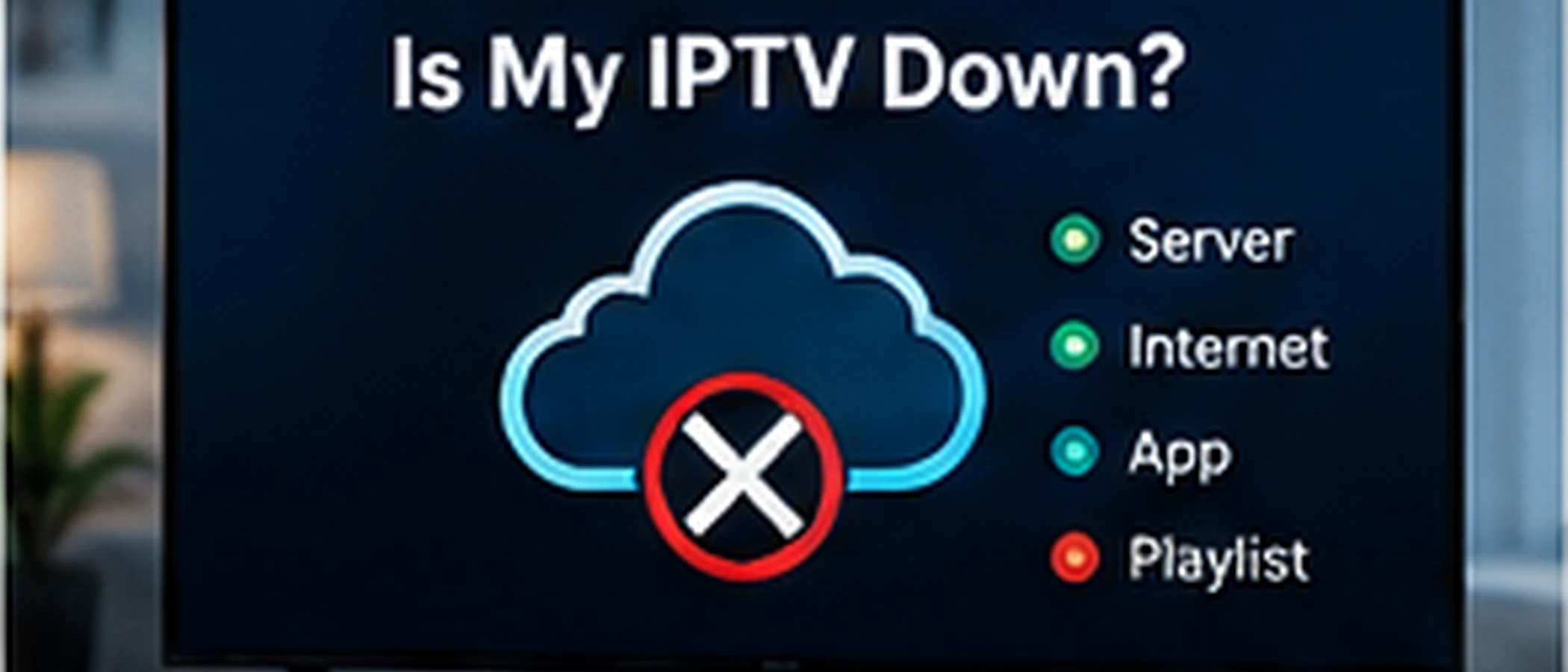
Narrow Down What Is Not Working
Start by finding out how wide the problem is. If one channel is down while others play, the issue is probably on the stream for that channel. If every channel fails, the cause is more likely in your connection, your device, or your app, or in a full service outage.
Test on Another Device
Try the same account on a second device, such as a phone or a laptop, using the same app or the browser-based option if your provider offers one. If it works there, the problem is on the first device, so focus on its app, settings, and connection. If it fails everywhere, the cause is more likely on the service side.
Check Your Connection
Load a website or another streaming app on the same network. If other services are slow or unavailable, the problem is probably your internet connection, not the IPTV service. Restarting your router can clear a stuck connection, but if the same problem returns, check with your internet provider.
Ask Your Provider Before Changing Settings
If the problem appears on several devices, contact your provider and ask whether there is a known issue. Give them the time the problem started and the channels affected. Avoid reinstalling apps or changing many settings at once, as this makes it harder to see what the cause was.
For the next steps once you have confirmed the problem is on your side, see the IPTV Troubleshooting Guide.
If playback stopped working around the same time your billing period ended, check whether your subscription has stopped working before assuming it's a connection issue.