
IPTV Black Screen With Sound: Causes and Fixes
When an IPTV channel shows a black picture but still plays sound, these are the most likely causes and the steps to try, in order.
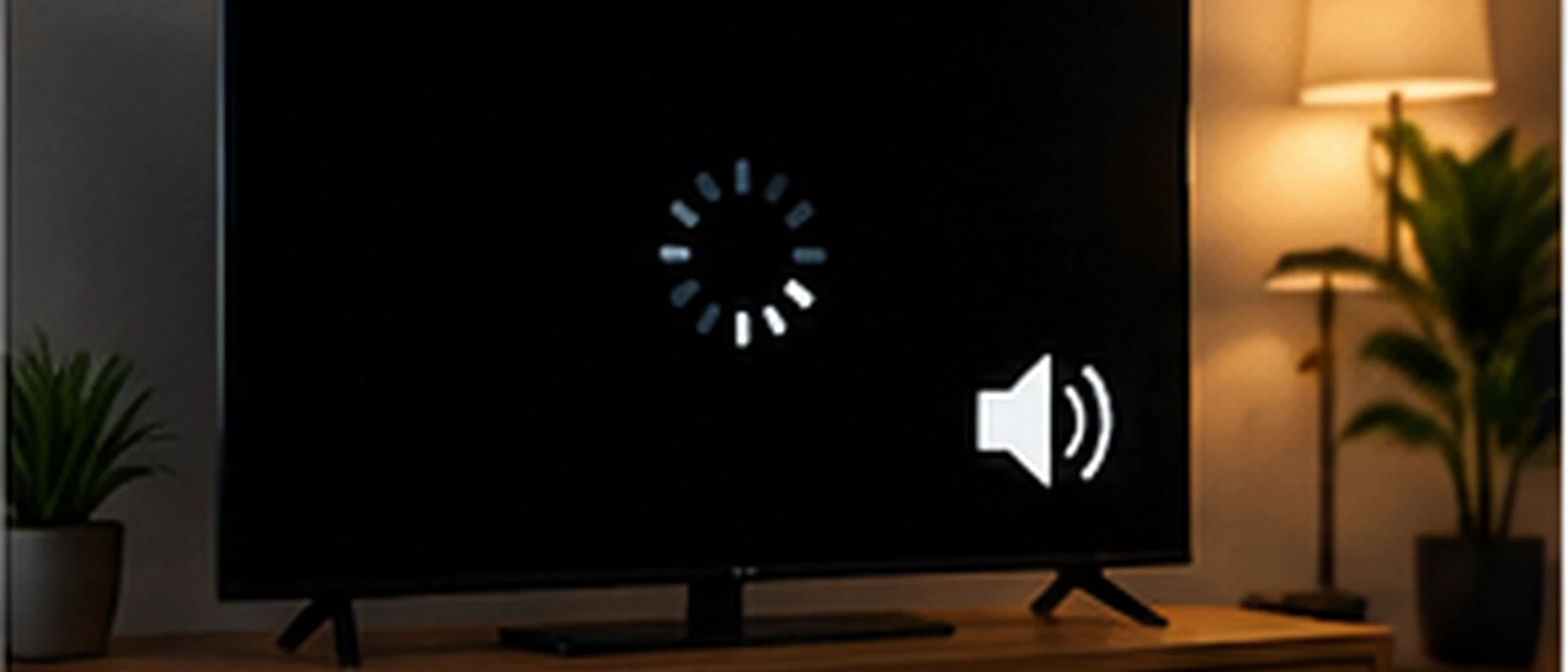
What the Symptom Means
A black screen with sound means the audio is reaching your speakers but the video is not showing. Because the sound works, the problem is usually in how the picture is displayed, decoded, or passed to the screen, rather than in the connection as a whole. That is why it is different from buffering, where both audio and video stall.
Check Whether It Affects One Channel or All of Them
Start with a simple test. Change to two or three other channels. If they play normally, the problem is likely with one stream, and the cause sits on the provider's side. Note the channel name and the time it happened, and contact support with those details.
If every channel shows a black picture, the cause is more likely in your device, app, or TV settings. Continue with the steps below.
Check the Display and Input
Confirm the TV is set to the correct input, and that the device is connected to it with a working HDMI cable. Try a different port on the TV. If the picture returns after switching input and back, the connection between the device and the screen was the issue.
Check the resolution and output settings on the device. An output setting the TV does not support can produce a black picture with sound. Choose a lower output resolution temporarily to see whether the picture returns.
Check the App's Video Settings
Many IPTV apps include video decoding options, such as hardware or software decoding. Switching between them can clear a black picture on some devices. The exact names of these options vary by app, so look for anything labelled decoder or video playback in the settings menu.
Restart the app after changing a setting. Changes made while a channel is playing often do not take effect until the app reloads.
Restart the App and Device
Close the app completely, not just the channel, and open it again. If that does not help, restart the device. Also check whether an app update is available, since an outdated version can struggle with newer streams.
When to Contact Support
If one channel stays black while others play, or if the problem returns on the same channel at the same time each day, contact your provider with the channel name, time, device, and app version. This helps the team check whether the stream itself is affected.
For other common causes of playback problems, see the IPTV Troubleshooting Guide.