
IPTV Codecs and Adaptive Streaming: H.264, H.265 and HLS
How video codecs and adaptive streaming (HLS) decide what your device can play smoothly, and why the same channel can look different on different devices.
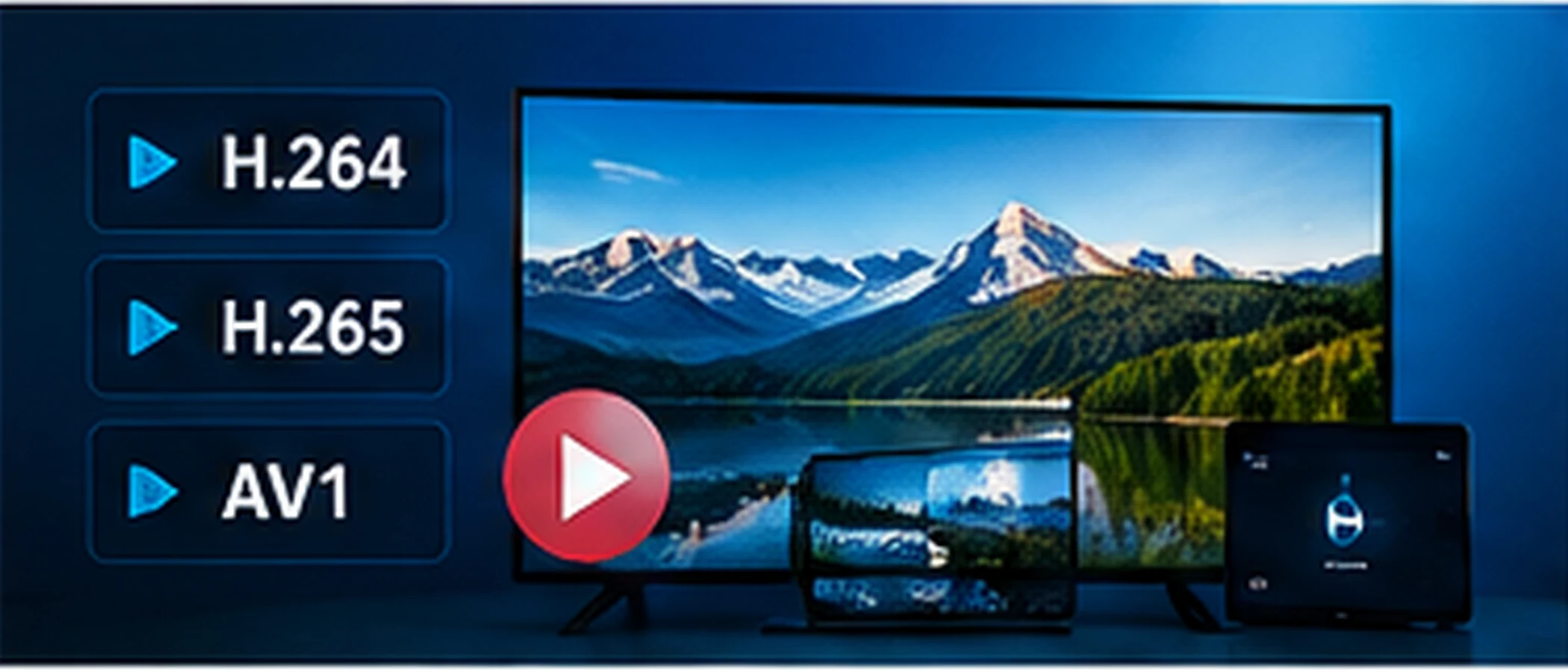
What a Codec Does
A codec compresses video so it can travel over a connection, and decompresses it on your device. H.264 is widely supported across older and newer devices. H.265 (HEVC) can compress more efficiently, but it needs hardware support on the device. If a device lacks support for a stream's codec, the picture may fail, stutter, or show only sound.
Why the Same Channel Can Behave Differently
Two devices can receive the same channel and handle it differently, because their chips decode different codecs in hardware. An older streaming stick may play one codec smoothly and struggle with another. This is why a channel that works on a phone may stutter on an older TV box.
Adaptive Streaming and HLS
HTTP Live Streaming (HLS) splits video into short segments and offers several quality levels. The player switches between them based on the connection. This is why playback can drop to a lower picture quality for a moment instead of stopping. HLS is a delivery method, so it does not change which codec the video uses.
The playlist file that HLS uses lists those segments. Its format is separate from how you get access to a service, and this article does not cover finding or sharing playlists.
What to Check When Playback Struggles
Check whether your device and app are up to date, since newer versions often add support for more codecs. If one channel struggles while others play, the stream's encoding may be the cause, so report it to your provider. If every channel struggles on one device, consider whether the device is simply too old for the streams you are using.
For buffering and freezing, the IPTV Troubleshooting Guide covers the connection-side checks.