Choosing a Smart TV for IPTV: What to Look For
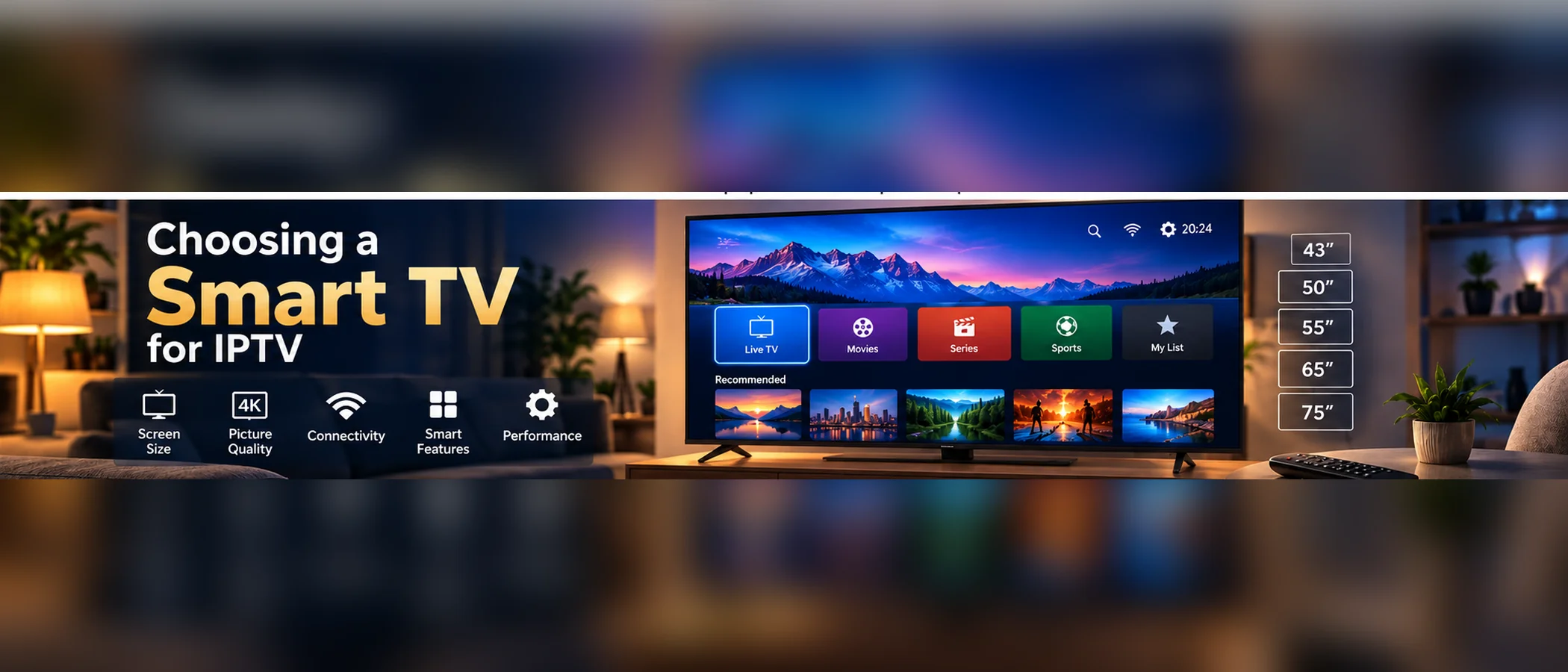
What to check before buying a Smart TV for IPTV: app availability, processing power, codec support, inputs, and how the TV's software is updated.
Check Which Apps the TV Supports
Smart TVs run their own app stores, and not every IPTV player is listed in every store. Before buying, check whether the TV's store offers the player your provider recommends, or whether you would need a separate streaming stick. Check your provider's device list rather than relying on a store listing alone.
Processing Power and Memory
Budget televisions often have modest processors and limited memory. That can make the guide slow to load or channel changes sluggish, especially with large channel lists. A newer model with more memory usually handles these tasks better, but it is worth reading reviews that test IPTV playback specifically, rather than general picture reviews.
Codec and Format Support
Check that the TV decodes the video codecs your streams use. Support for newer codecs depends on the chip inside the TV, so a model released recently may handle more formats than an older one. The codecs and adaptive streaming guide explains which codecs matter and why.
Software Updates and Inputs
A TV that receives regular software updates is more likely to keep its apps working. Check how long the manufacturer has supported the model. Also check that the TV has the ports you need, such as HDMI for a streaming stick, and that its wired network port works if you plan to use one.
If you already own the TV, see How to Install IPTV on a Smart TV for setup steps.