
How to Use IPTV on Android TV
Setting up and getting the most out of IPTV on Android TV devices, from app installation to remote-friendly navigation.
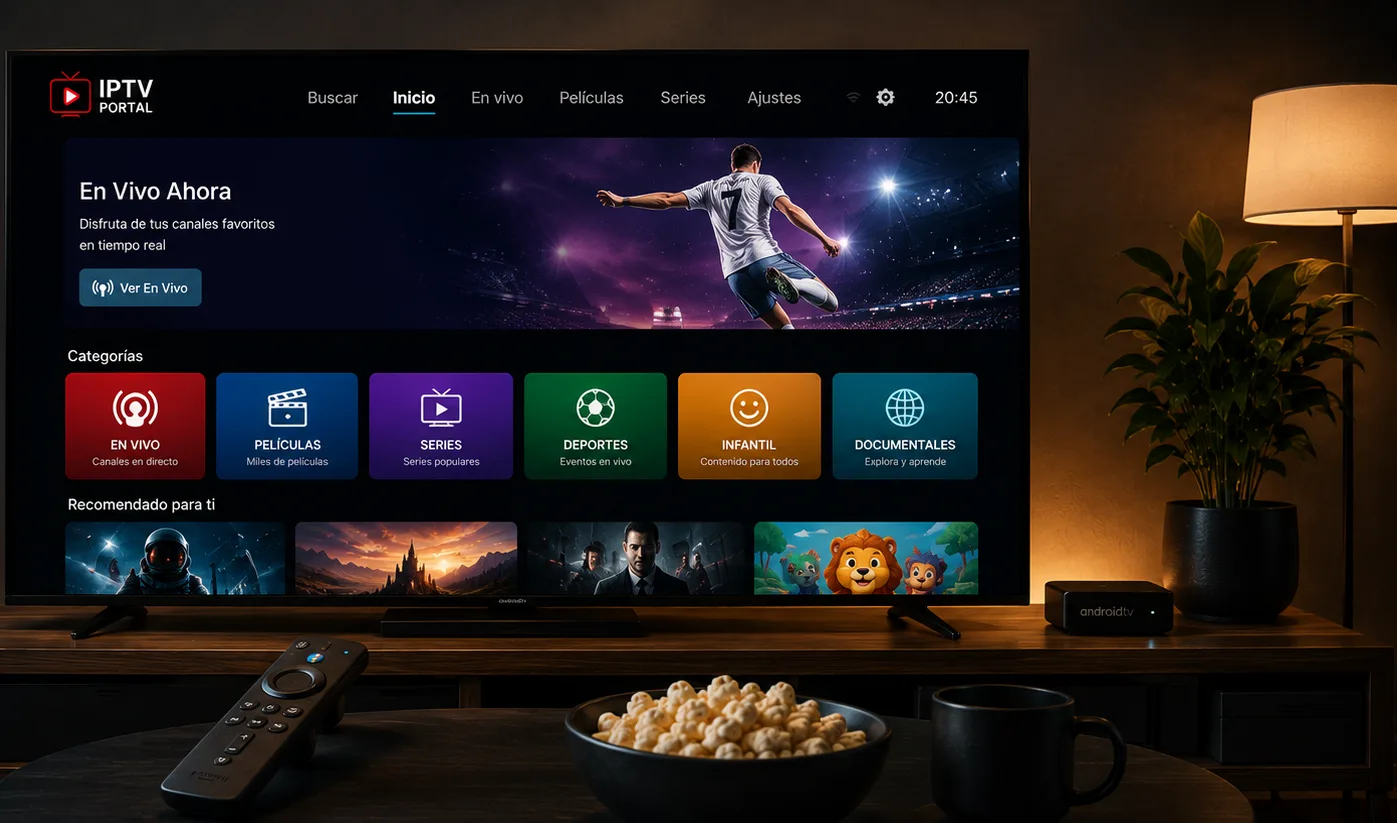
Why Android TV is a strong option for IPTV
Android TV runs the full Google Play Store, so it has the widest selection of dedicated IPTV player apps of any TV platform — including apps built specifically around large channel lists and EPG browsing, like TiviMate. If you're choosing hardware specifically for IPTV, an Android TV box or a TV with Android TV built in is generally the most flexible option.
See the full list of supported Android TV devices to confirm your exact model before you start.
Installing your app
Open the Play Store from your Android TV home screen, search for your chosen IPTV player, and install it as you would any app. Sign in with your account credentials once it opens.
Getting reliable performance
Android TV boxes vary a lot in hardware quality — budget models with limited RAM can struggle with EPG-heavy apps. If playback feels sluggish, closing background apps (Settings → Apps → running apps) or restarting the box often helps more than reinstalling the IPTV app itself.